Align levels
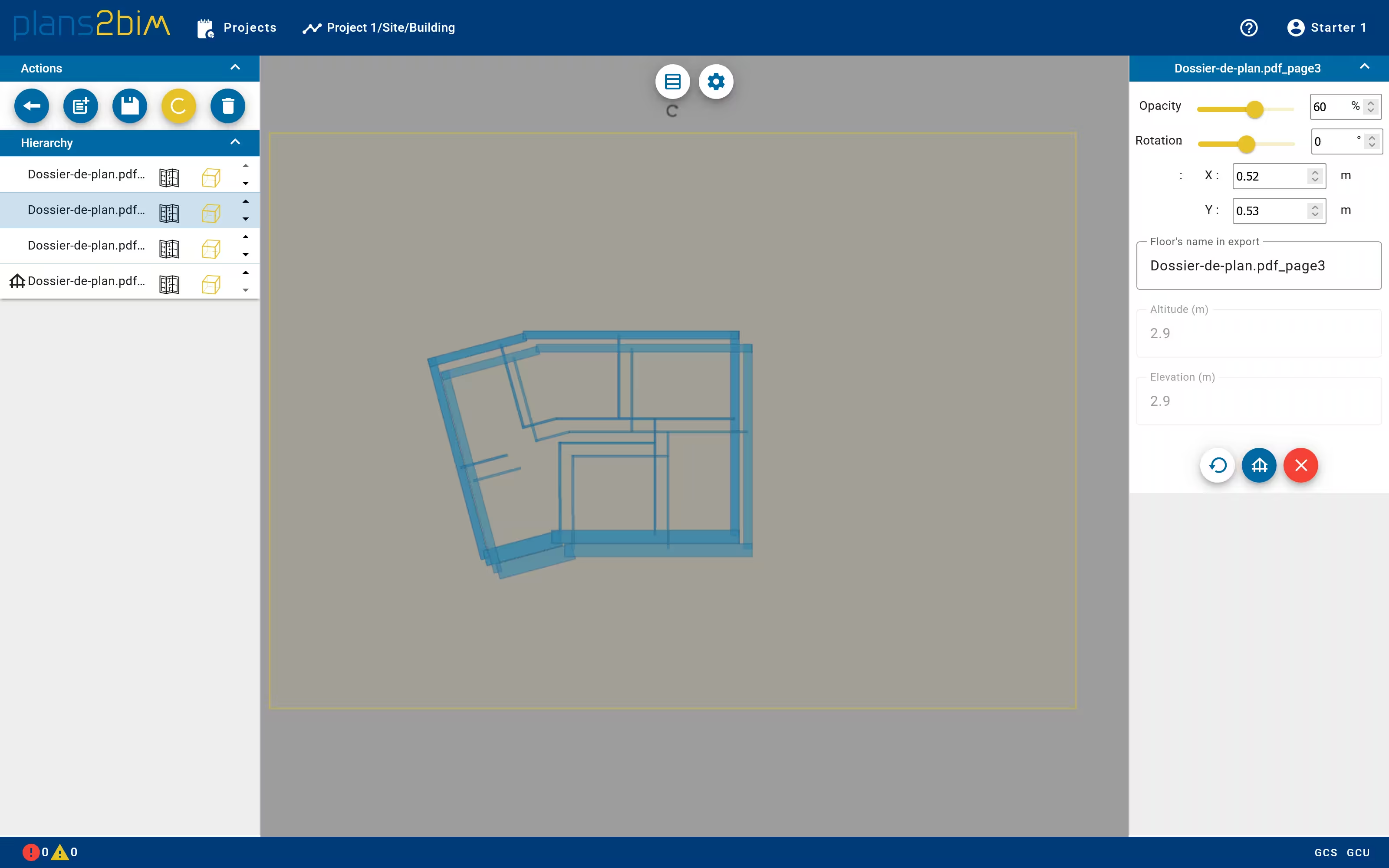
All levels are displayed in the central view. If the models are not correctly aligned, it is possible to adjust manually the position of each level.
The left panel shows the list of level. Each level is represented by the plan and the wall footprint. One can hide either the plan and the model of a selected level.
To adjust the position of a level, please identify a level as a reference, mask all other levels. Unmask the level that should be adjusted by moving graphically the selected plan in the 2D view.
If the size of levels does not match with other plans, please check the scale by opening the corresponding plan in the editor.
On the right, a panel helps to adjust the position of level, modifiy the opacity and change the name.