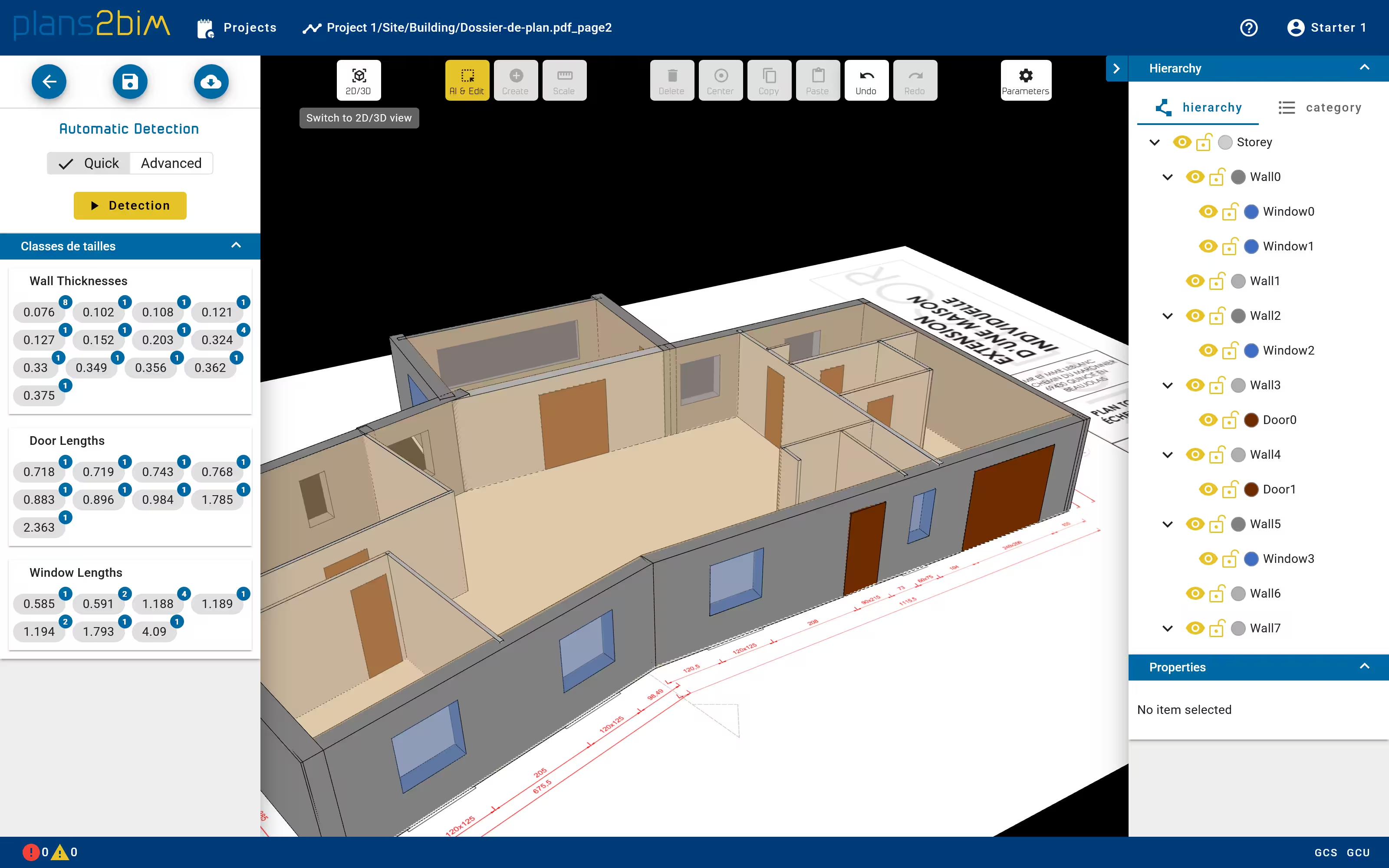
Visualize in 2D/3D
The geometry of the model can be displayed in 2D or in 3D. To switch between these modes, user has to click on the 2D/3D button located in the top menu.
In both views, elements can be selected individually or with a multiple selection. The elements can be also hidden, as well as the plan.
Moving the camera can be done only with the mouse:
- main click to select/unselect
- main click held for camera rotation (3D)
- secondary click to translate the view
- scroll for the zoom