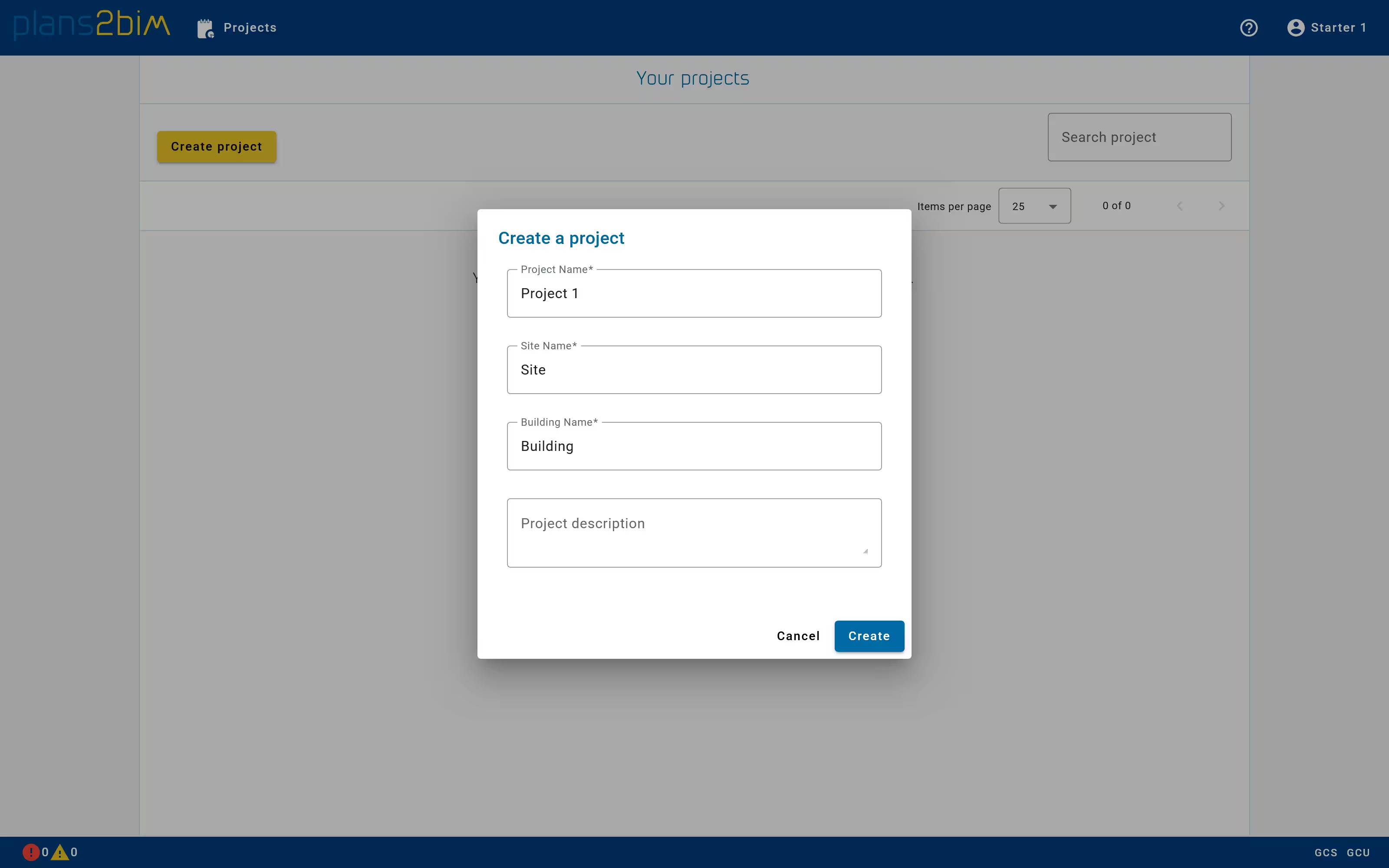
Create a new project
The user can create a new project from the dashboard and from the project list. When clicking on Create project a pop-up is displayed to initialize the hierarchy by setting names for Project, Site and Building. An optional description can also be added to provide some comments about the project. All values can be modified after the creation.
A project defines a hierarchy of sites and buildings as follow:
- 📁 Project
- 📁 Site 1
- 📁 Building 1.A
- 📁 Building 1.B
- 📁 Site 2
- 📁 Building 2.A
- 📁 Building 2.B
- 📁 Site 1