Edit and correct geometry
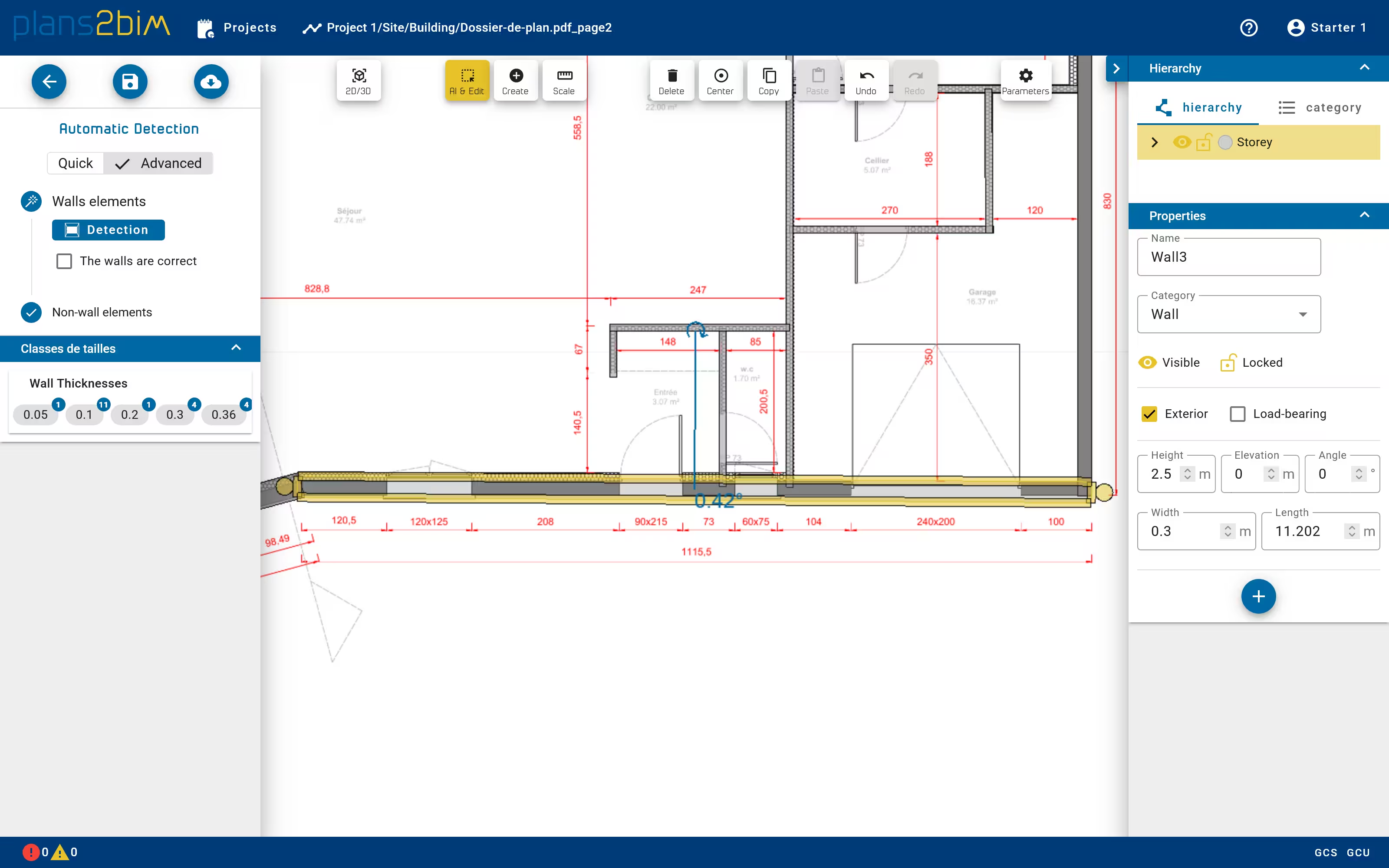
The result of automatic detection should be checked in order to be sure that the model fits the plan. The geometry of each element can be modified:
- rectangular elements like walls: length, thickness, orientation.
- polygonal elements likes slabs: position and number of points
To modify a rectangular shape, one can use the graphical handle to change length/thickness/orientation, or manually fill in the correct value in the properties panel on the right. In case of openings, only the length can be modified, since thickness and orientation are constrained by wall. To modify a polygonal shape, only the graphical view can be used to move a point, remove a point or split an edge.
The handle can be modified only through the 2D view whereas as the properties can be modified in both 2D and 3D mode.