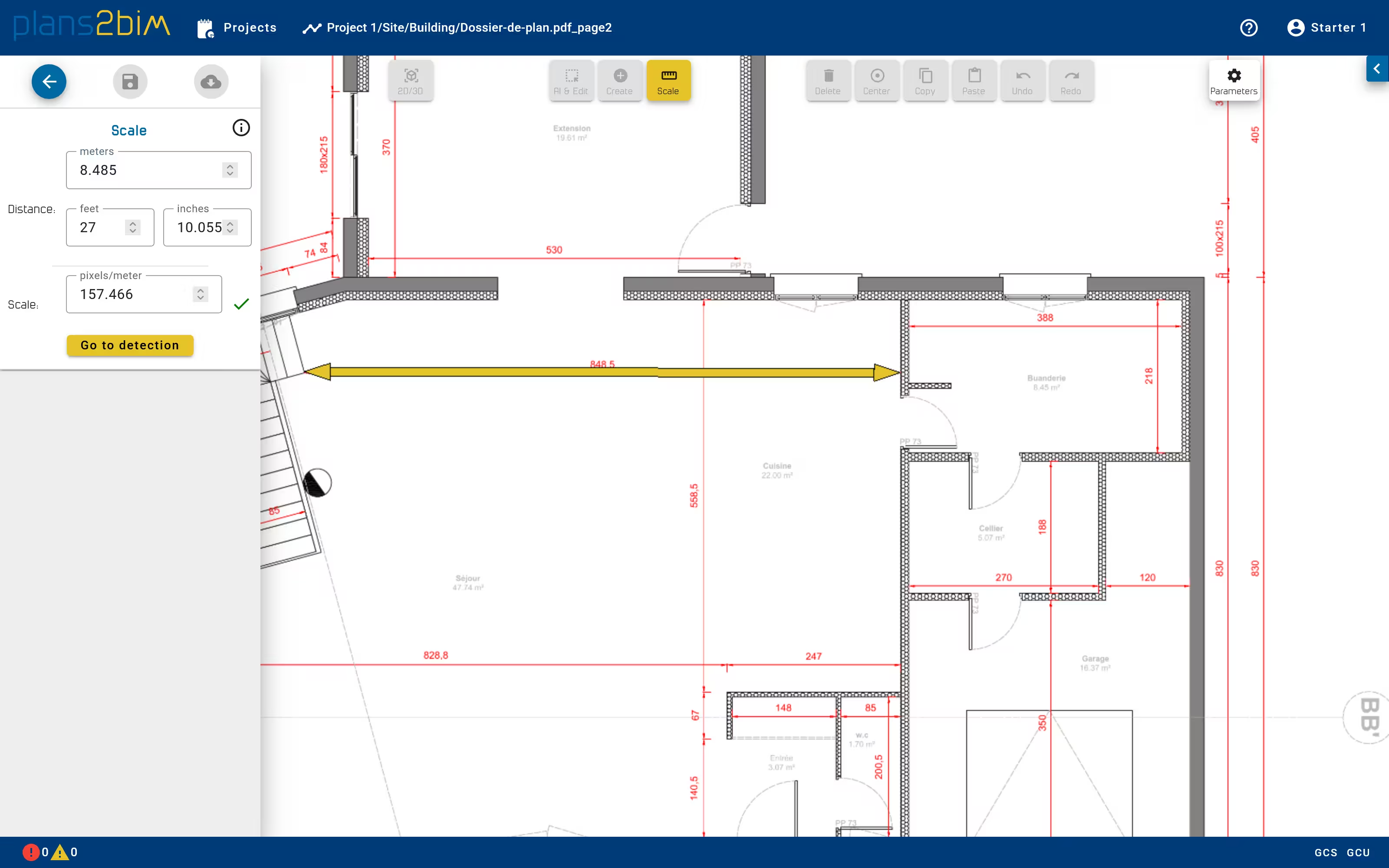
Define plan scale
When the plan is opened for the first time, the user has to define the scale of the plan. The scale is computed by indicating a real distance on the plan to convert pixels into meters.
The distance can be defined in metric or imperial unit. It is recommended to set the scale by choosing the longest known distance in the plan.
The ratio is indicated in pixels/meter and a warning is displayed when the ratio is under 100 pixels per meter. The scale depends on the image quality, so the precision of algorithms will be lower if the quality of image is poor.