Suppress an element
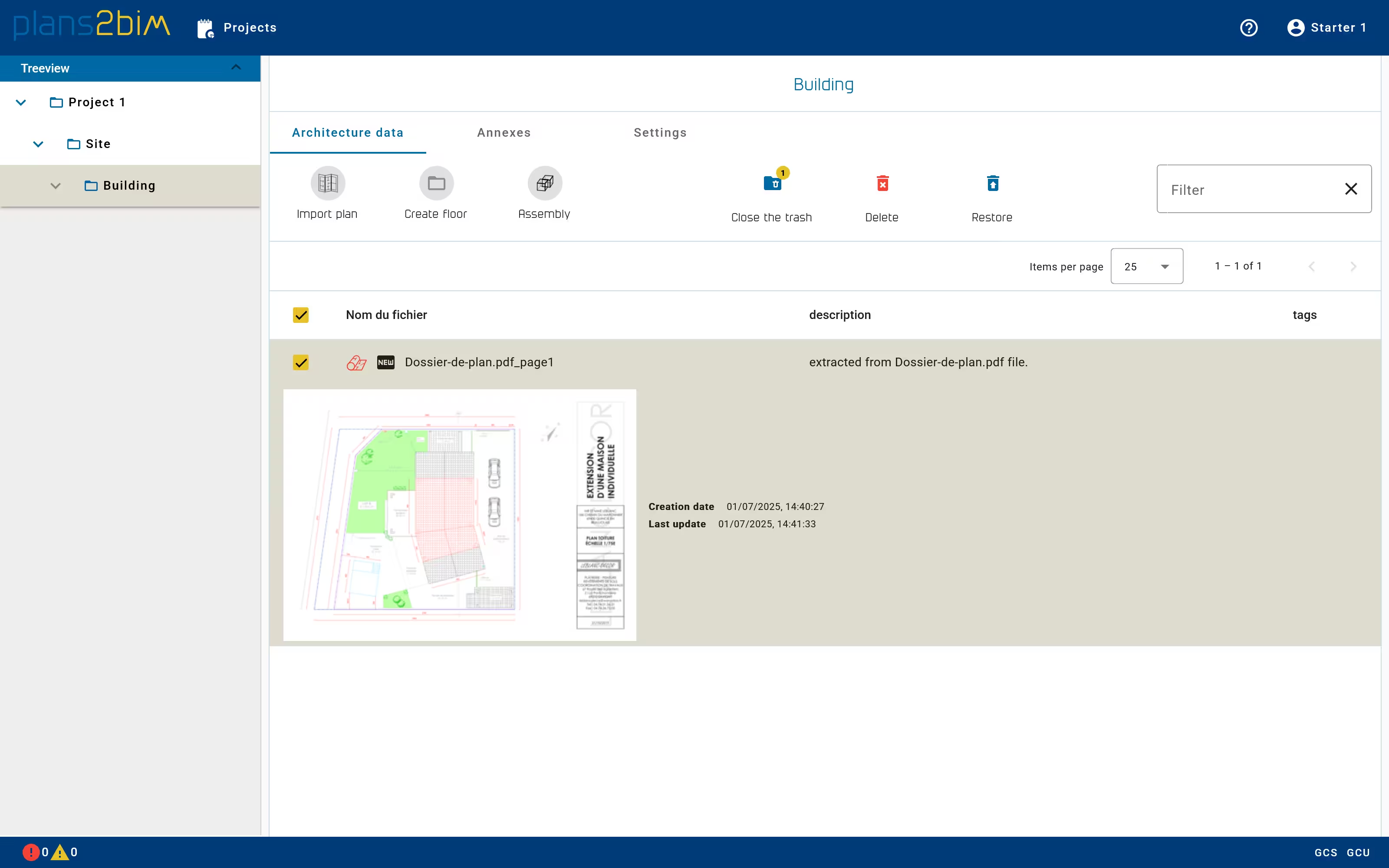
To remove a file, one has to select the plan and click on Delete button. A multiple file selection is possible to delete many files at the same time.
The selection is not possible if the plan is contained in a building assembly (see below), since the file has to be removed from the assembly list first.
A trash mechanism exists to avoid error, so when a file is deleted, user has to open the trash, selecting the files and confirm the suppression by clicking on Delete. To restore a file, the user can select the files and click on Restore button. To switch from the trash to normal view, one has to click on Close the trash.
To delete a directory of a building or a site or a project, go to Settings tab and click in the button Delete by extending the Advanced settings panel. All data contained in this directory will be deleted.