Detect all elements
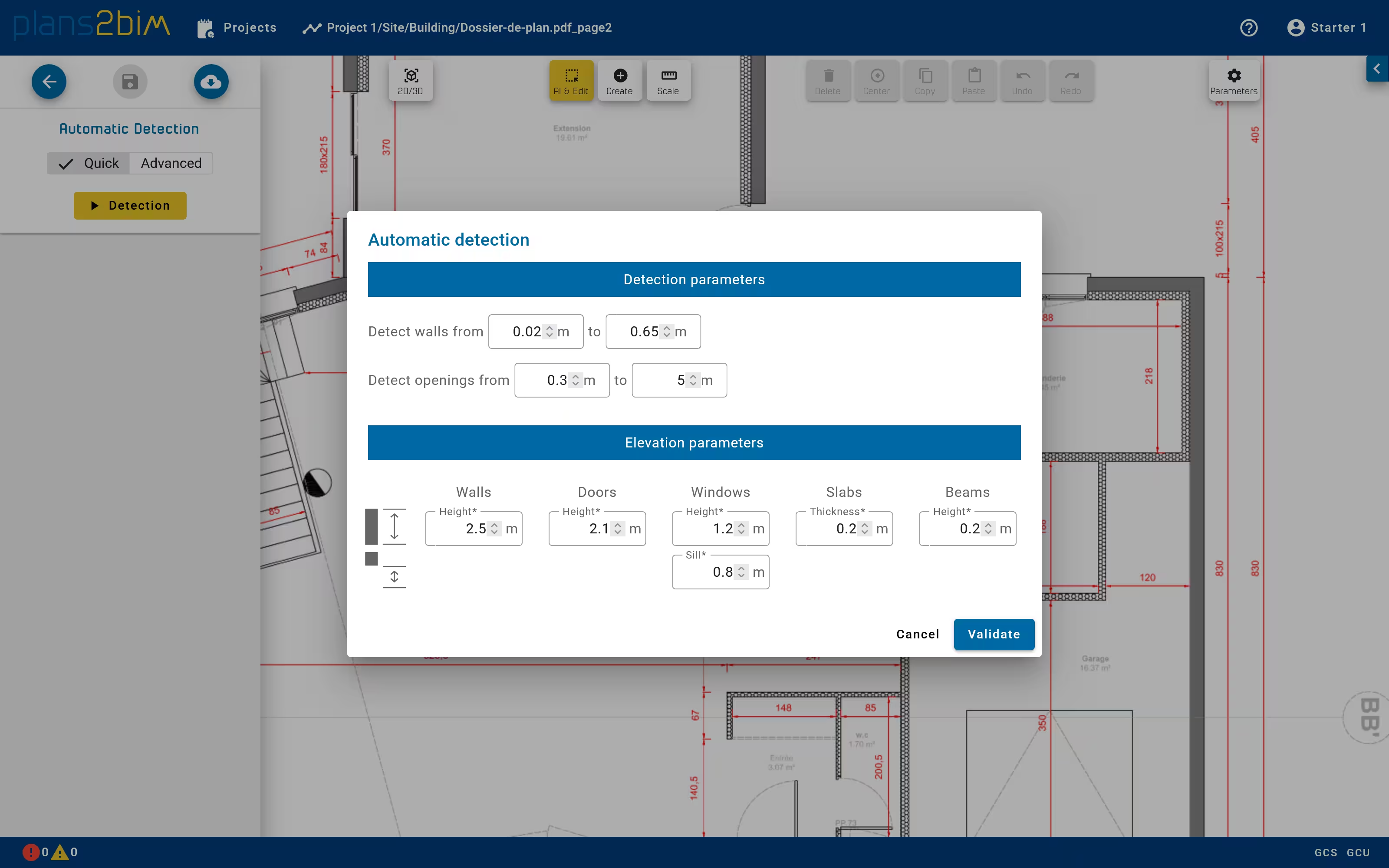
The detection of all elements during a single run can be achieved by selecting the Quick mode and click to Detection button.
Only the parameters available are the range of thickness and length of openings should be set, as well as the default elevation values for each category.
At the end of the computation all elements are added to the scene. If elements are already existing they will be deleted, as mentioned by a warning message.
It is possible to switch after in the Advanced mode to run again some steps if the user modifies the shape of walls.