Content of userguide
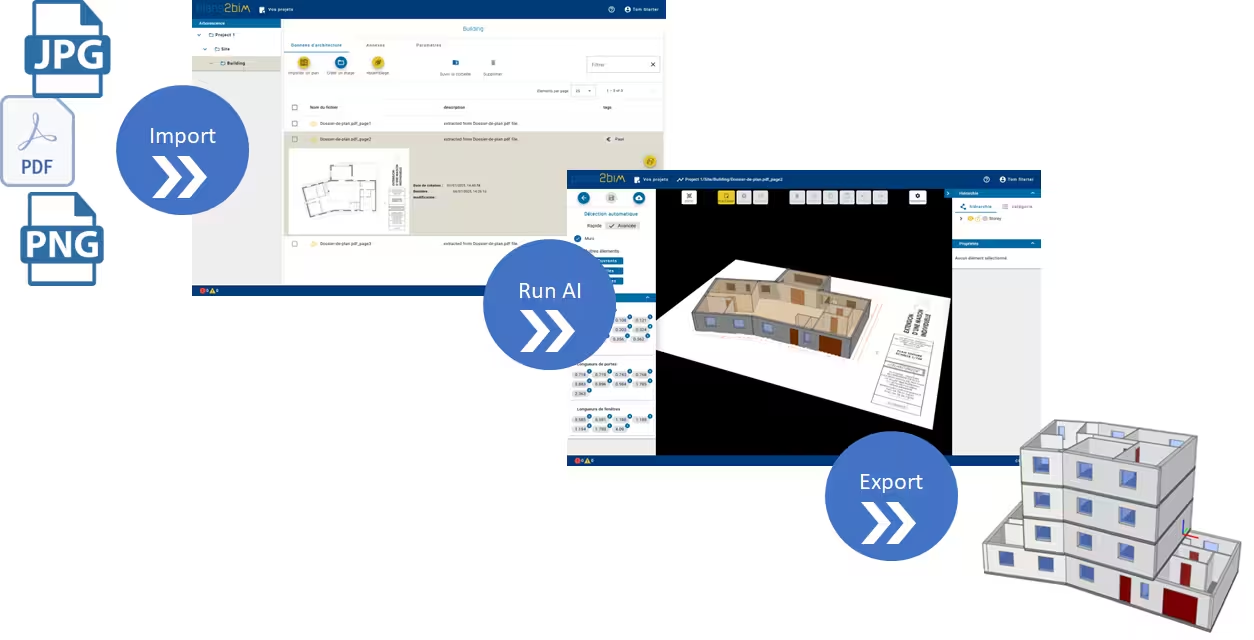
The user guide contains the following sections:
-
Accessing and creating an account
- Accessing Plans2BIM
- Creating a user account
- Subscription
- Updating your account
- Updating your subscription
- Deleting an account
-
Structuring a Project
- New project
- New building
- Importing an image file
- Importing a PDF file
- Deleting an element
-
Modeling a Plan
- Accessing the editor
- Scaling
- Automatic step detection
- Full automatic detection
- Visualization
- Geometry correction
- Adding properties
- Export
-
Assembling a Building
- Accessing the function
- Selecting plans
- Aligning levels
- Exporting