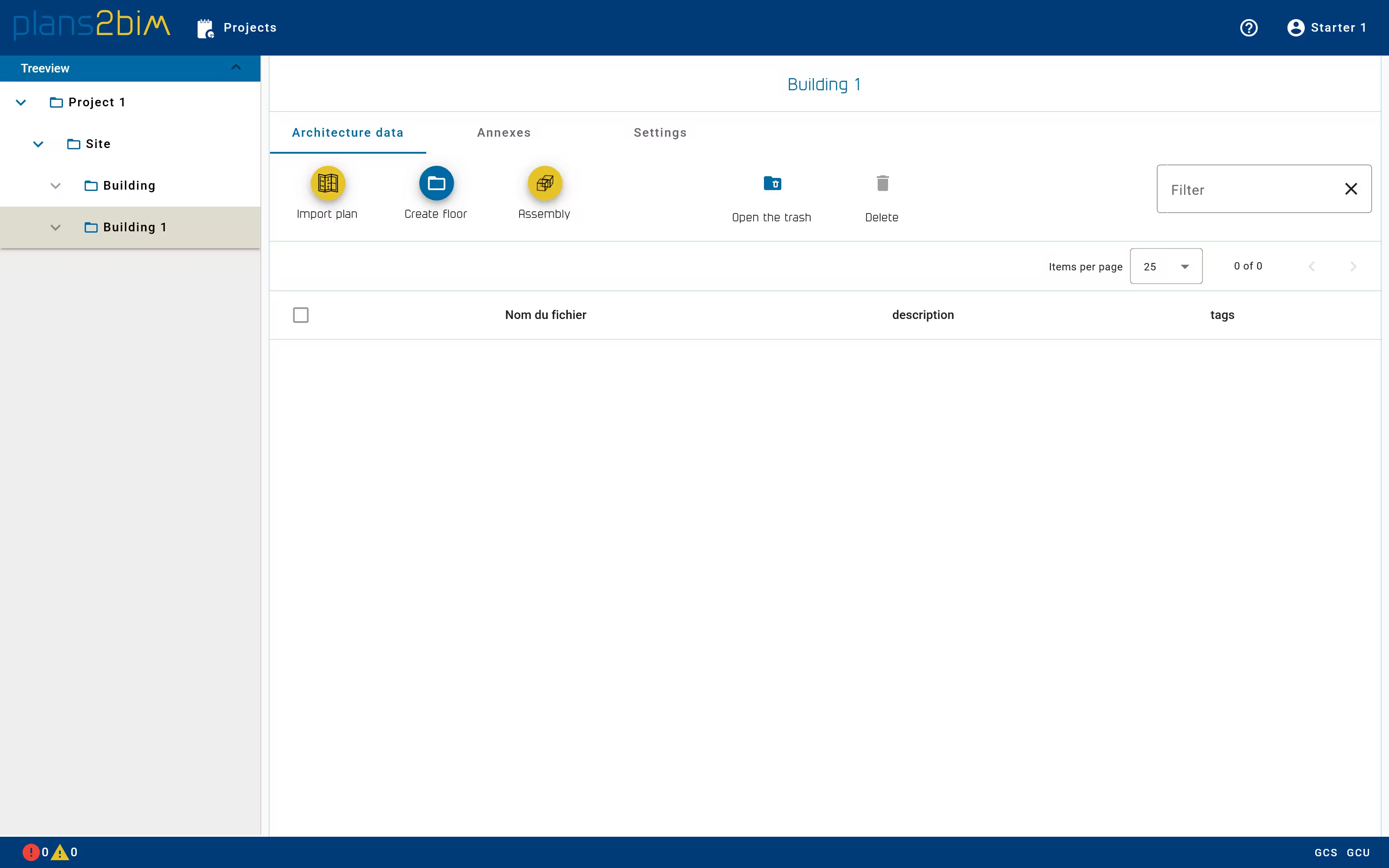
Create a new level
To define a new building level, the user can import directly the plan of level in the building directory:
- 📁 Building
- 📄 Level 1
- 📄 Level 2
- 📄 Level 3
Or the user can also create a folder by clicking on Create floor for each level that will contain the corresponding plan:
- 📁 Building
- 📁 R1
- 📄 Level 1
- 📁 R2
- 📄 Level 2
- 📁 R3
- 📄 Level 3
- 📁 R1
A mix is also possible in case of many levels need to be gathered:
- 📁 Building
- 📄 Level 0
- 📁 Client A
- 📄 Level 2
- 📁 Client B
- 📄 Level 3
- 📄 Level 4