Suppress account
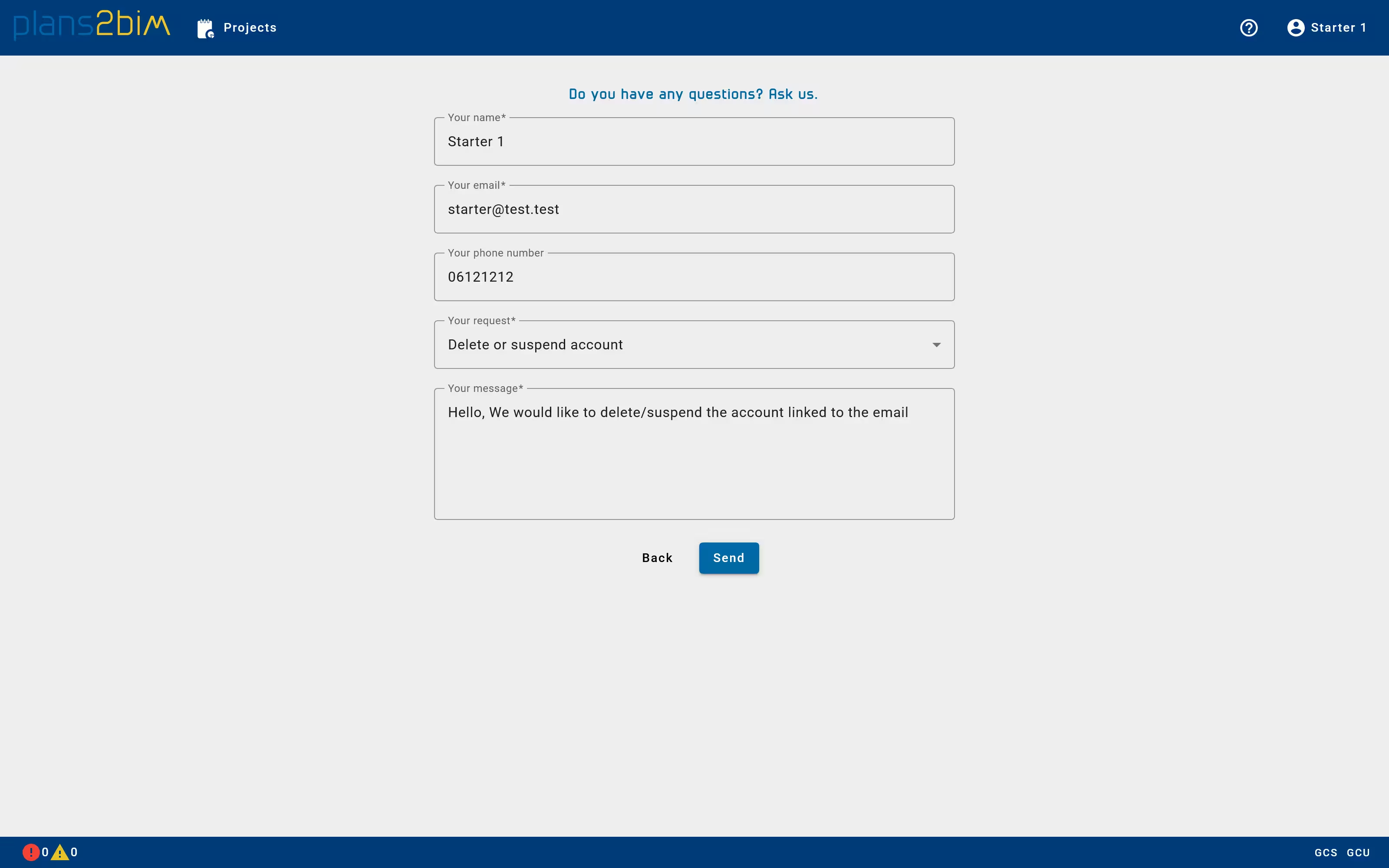
To delete an account or to stop a subscription, the user should contact the WiseBIM team that will manage the deletion of data and stopping automatic payment.
A form available also at https://app.plans2bim.com/contact should be filled in an sent to WiseBIM. If no answer has been given after 2 days, please retry or contact using your own email to write at support@plans2bim.fr
Please precise the name of the Company account, the main user email to ensure that your request will be efficiently processed.